


Salary components and tax
Set earnings, deductions, salary groups, and payroll tax so every salary uses the same components.
On this page
Who is this lesson for?
For HR: prepare the components used on every salary — before or after you add people.
Before you start
Permission to manage salary components, groups, and tax.
Open the settings
From the menu: Payroll → Payroll Settings (Components, Groups & TDS).
The first tab is Components, Groups & TDS. Other tabs: payment method, payroll setting, and payroll currency.
Salary components
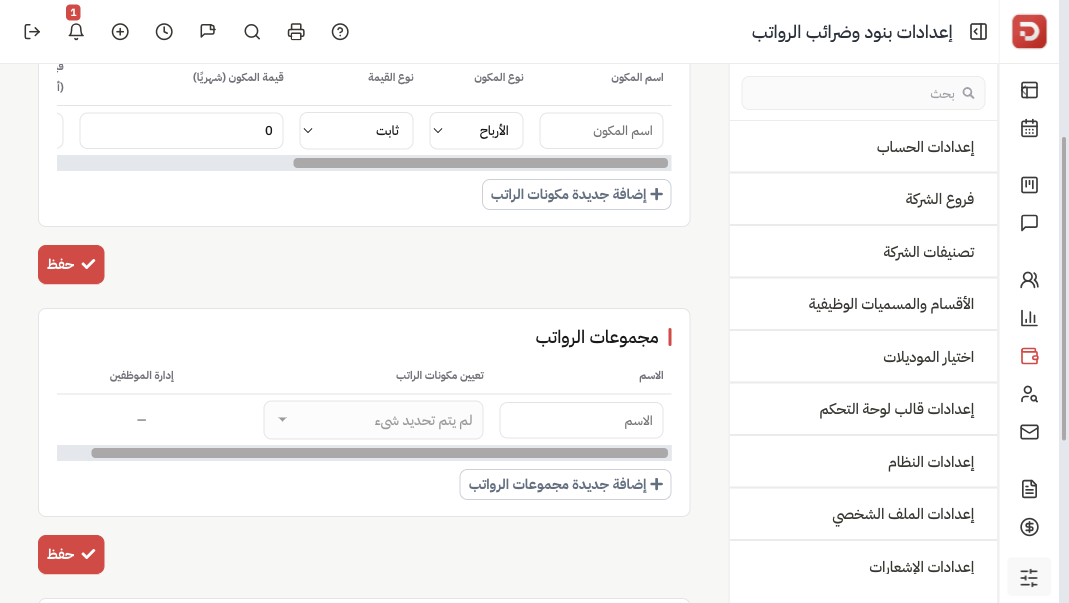
Each row is a reusable component: name, earning or deduction, and a calculation type. Add a row, then Save. You pick these later on the employee salary form or in a group below.
First choose earning or deduction. Earnings are added on top of CTC. Deductions come out of the employee and do not increase cost to company. Then choose how the amount is calculated. Example CTC 8,000.
| Type | How it is calculated |
|---|---|
| Fixed | The same amount every cycle. Transport 500. Social insurance 800 as a deduction. |
| CTC Percent | A percent of CTC. 10% of 8,000 = 800. If CTC later becomes 10,000, this becomes 1,000. |
| Basic Percent | A percent of basic pay. On the salary form basic is 100% of CTC, so 10% of basic is 800 when CTC is 8,000. |
| Variable by attendance days | Full-period amount (transport 500). When you generate payroll with attendance on, 20 of 30 ≈ 333. If attendance is off, the full amount is used. |
| Commission | Extra pay from the employee’s sales — added to what they receive, not taken off. Do not type an amount. On the row choose what to pay on (invoices, payments, bookings, orders, or converted leads) and whether it is a percent or a fixed amount each time. The figure appears on the slip when you generate payroll with Include commissions on. |
Basic Salary and Fixed Allowance are on the salary form, not in this table.
Salary groups
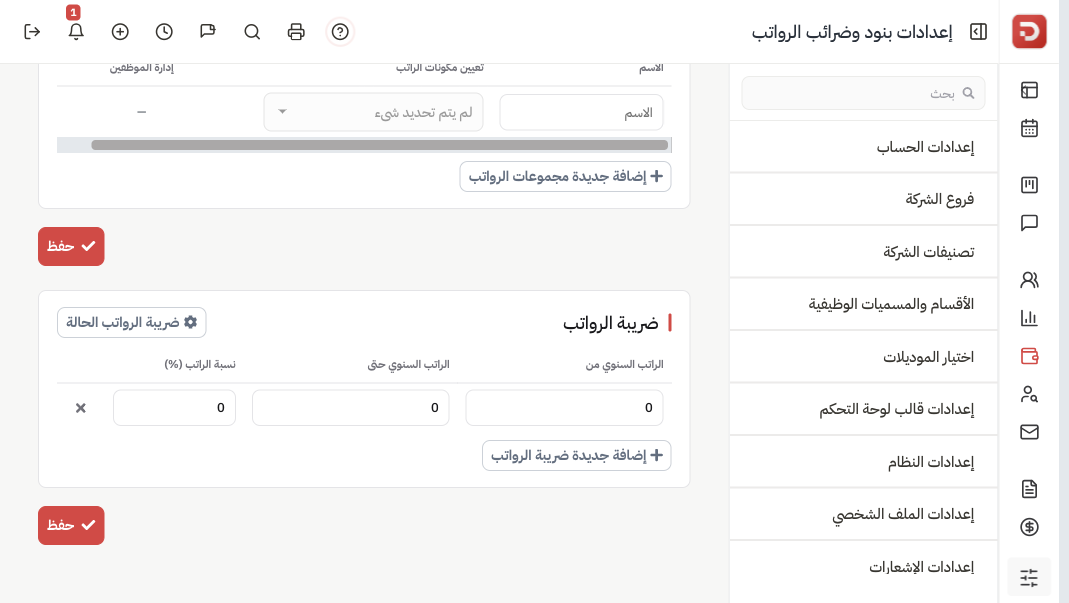
A group is a named set of components — for example a package for sales. Assign components, then assign employees if needed. Save.
When you add a salary you can pick this group instead of building rows each time.
Payroll tax
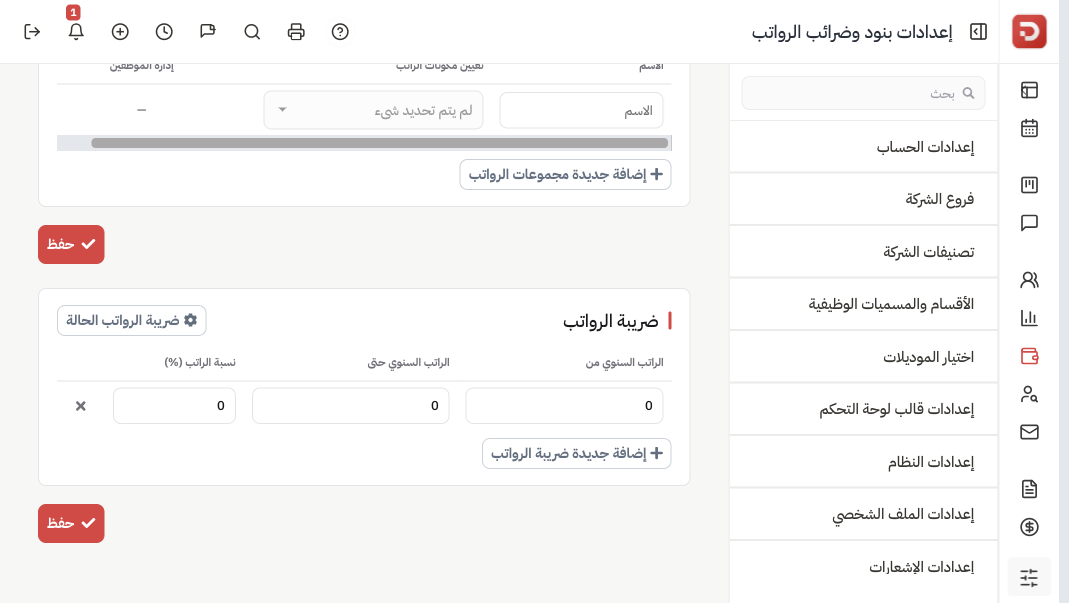
Add brackets (from amount, to amount, percent). Use tax status if you need to turn tax on or off. Save.
What happens after you save?
- New salaries can pick these components and groups.
- Existing salaries keep their current rows until you edit them or pick the group again.
Common questions
Payment method or currency?
Use the other tabs on the same page.