

New workflow, Duplicate, Delete
Add a blank workflow from the list, Duplicate one you already have, or Delete a draft you no longer need.
Who is this lesson for?
Anyone with Manage Automation.
Open the list
Menu: Automation and automated workflows → Workflows. Stay on the Workflows tab (not Templates).

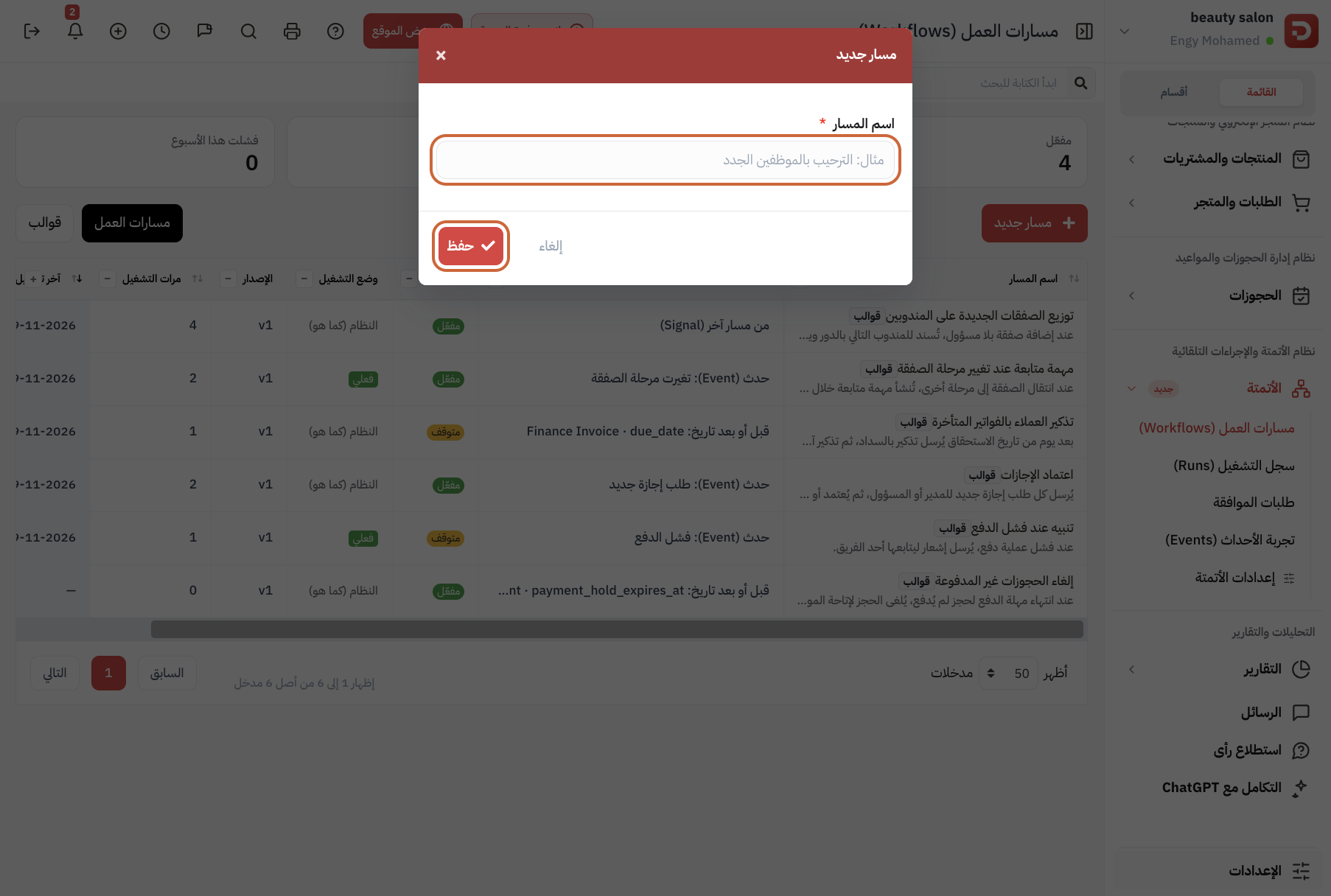
New workflow
Click New workflow. Type a short Workflow name the team will recognise, then save. The workflow opens in Open builder as Status Draft.
Duplicate
On a row, Duplicate makes a new draft with the same steps. Rename it, then edit. Useful when two teams need a similar path.
Delete
Delete a draft you do not need. An Active workflow should be Pause first. Deleting does not undo runs that already happened.
Common questions
Where are ready-made templates?
On the same page, Templates tab. Use template.